
Build checklist · Custom Web Apps
How to Build a Micro App: From One Workflow to a Tested Release
Plan a focused micro app with a workflow brief, data rules, error states, and acceptance tests. Learn what to build first and what to leave out.
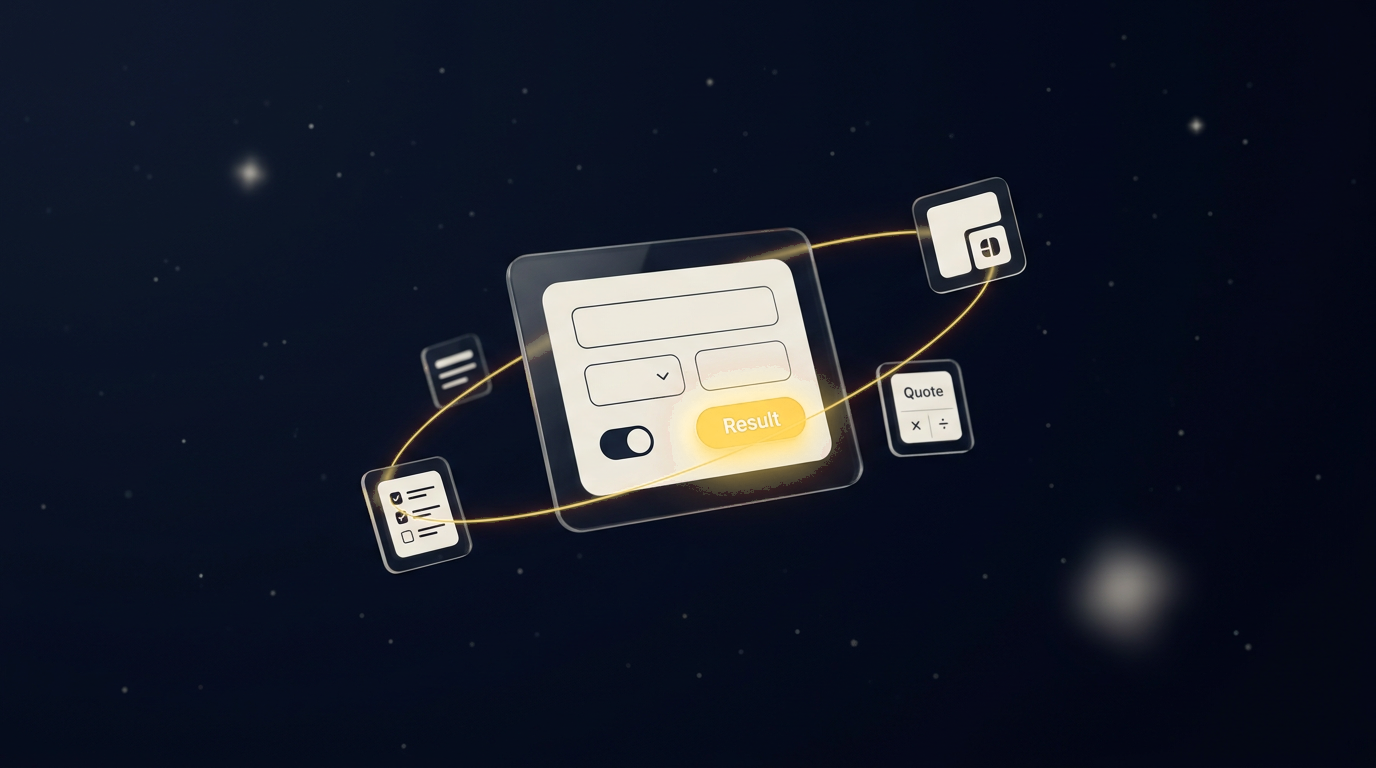
- Define one complete workflow and explicit exclusions.
- Treat storage, access rules, and failure paths as part of the first release.
- Expand only after observing real use.
Start with the workflow, not the technology
To build a micro app, define one audience, one repeated task, its inputs, and a useful output. Then implement the smallest complete path, including validation, permissions, persistence when needed, and failure handling. A small app is not finished just because its success screen looks convincing.
For an illustrative contractor intake tool, the task might be routing a service request to the right team. The first release can collect the service, location, and contact preference, save the request, and confirm receipt. Scheduling, automated prices, and payment do not belong in that scope unless they are needed to prove the workflow.
Write a brief that can be tested
A useful brief says what a person can do and how you will know it worked. Replace a vague request such as 'make a dashboard' with a concrete one: 'an authorized team member can review requests assigned to their team and mark one for follow-up.' Name the person who maintains the rules and responds to failures.
- User: who starts and who completes the task?
- Input: which fields are required and why?
- Rules: who is eligible and which exceptions need review?
- Output: what is saved, displayed, or delivered?
- Boundary: what will the first release deliberately not do?
Decide what data the app needs to remember
A calculator that returns a result without retaining it may not need user accounts. A saved request, shared work queue, or client history needs durable backend storage. If records belong to different users or teams, define ownership and enforce it on the server for every read and write. Browser-only storage is not a substitute for a shared production database.
Collect the minimum information needed. Define retention, deletion, and access expectations before asking people to submit sensitive data. Regulated or clinical workflows need specialist review rather than an assumption that a small app is low risk.
Build one end-to-end path before adding more screens
Implement input, server validation, storage or calculation, and an honest result state. Add loading, empty, invalid-input, and failed-save behavior. If an external service sends a notification, distinguish 'request saved' from 'notification delivered.' A successful-looking interface must not conceal a failed backend operation.
- Keep secrets and authoritative rules on the server
- Preserve input when an operation fails
- Make repeated submissions safe
- Document any external tool cost and service limit
Test the workflow and its exceptions
Test with realistic non-sensitive data before inviting users. Check the task on mobile and with a keyboard, not just in a desktop screenshot. Use test accounts with different permissions to confirm that one user cannot access another user's records. For a quote tool, test negative values, missing fields, and inputs outside the approved estimating rules.
- Valid request reaches the intended saved state
- Invalid input receives a useful message
- Unauthorized reads and writes are rejected
- A failed network request does not report success
- A retry does not create duplicate work
Release to a narrow audience and measure the job
Ask the first users whether the app actually completes the task with less confusion. Observe completion, failed requests, and repeated manual work before expanding. Add the next feature only when it resolves an observed problem. If multiple roles, workflows, and integrations become necessary, reassess the scope rather than forcing every feature into a micro-app label.
Luna Studio's Micro App tier starts at $997. The brief, integrations, data needs, hosting, and support determine the final agreed scope; this is not a fixed price for every app.
Put the guide to work
Explore the Custom Web App package
Starting at $997 USD per project. Review the scope, fit, and exclusions before requesting a quote. Final pricing depends on confirmed requirements; this is not a monthly fee or an all-features promise.
See Custom Web App scope and starting price